Sign
They sign on a page that doesn’t look like you
Studios sending agreements shouldn’t look like a random e-sign brand. Sign for clear signature evidence, white-label on Pro when the page should feel like yours.
Signature is a trust moment. If the page looks generic, the studio looks temporary, even when the work is not. Clients notice whose brand sits on the screen they tap.
M79 Sign sends documents for signature and keeps certificate evidence. Free includes 1 live envelope. Pro adds storage, retention, and a white-label signer page so the yes can feel like yours.
Why M79 wins here
Sign can look like your studio (Pro white-label) and keeps a dated certificate, not a six-seat e-sign portal that advertises someone else’s brand.
The gap
- Client signs on a page that doesn’t look like your studio
- Quote yes in chat with no certificate
- No clean path from Sales quote to signature to job
The Suite outcome
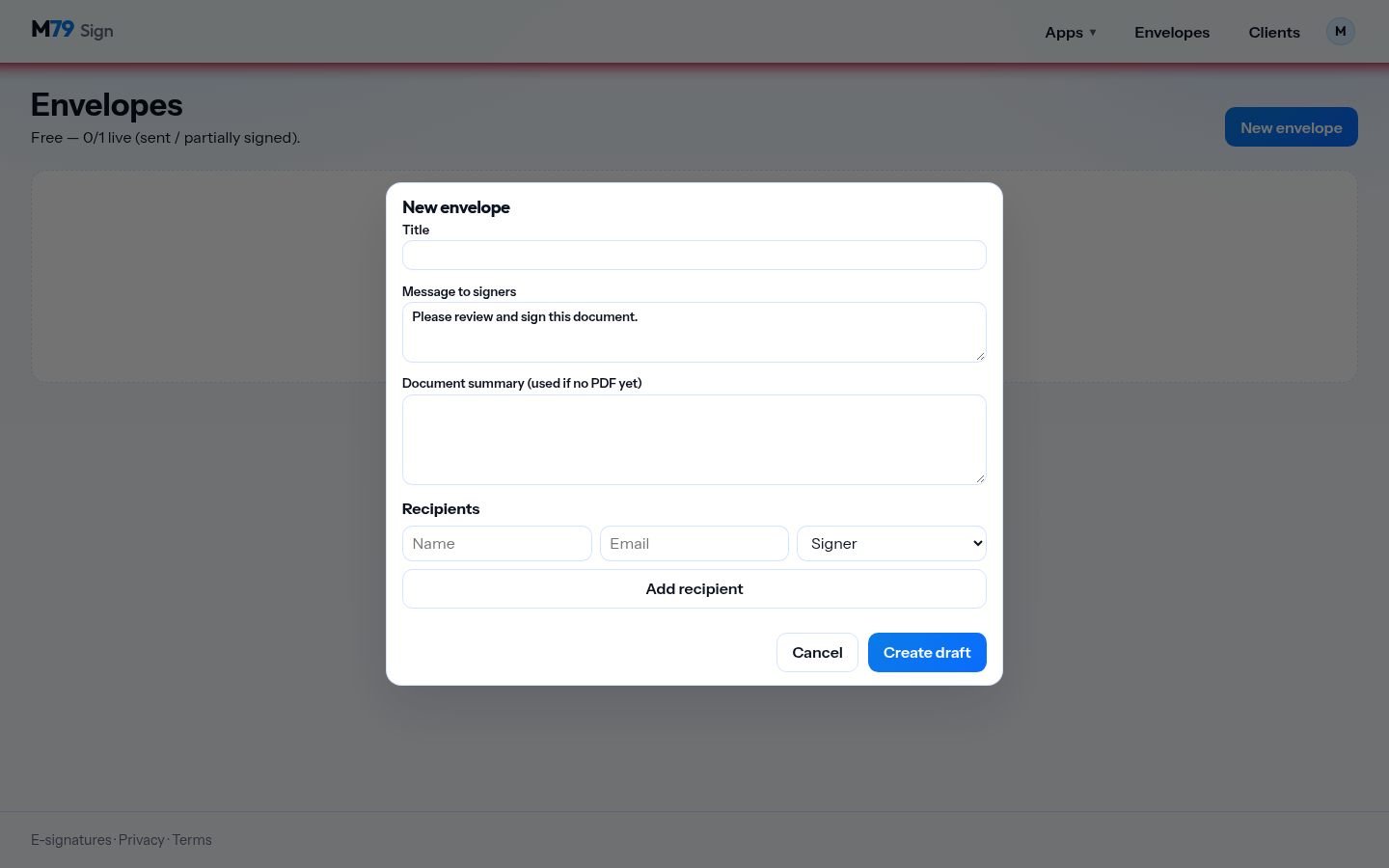
Create the envelope in Sign (or send from a Sales quote).
Send for signature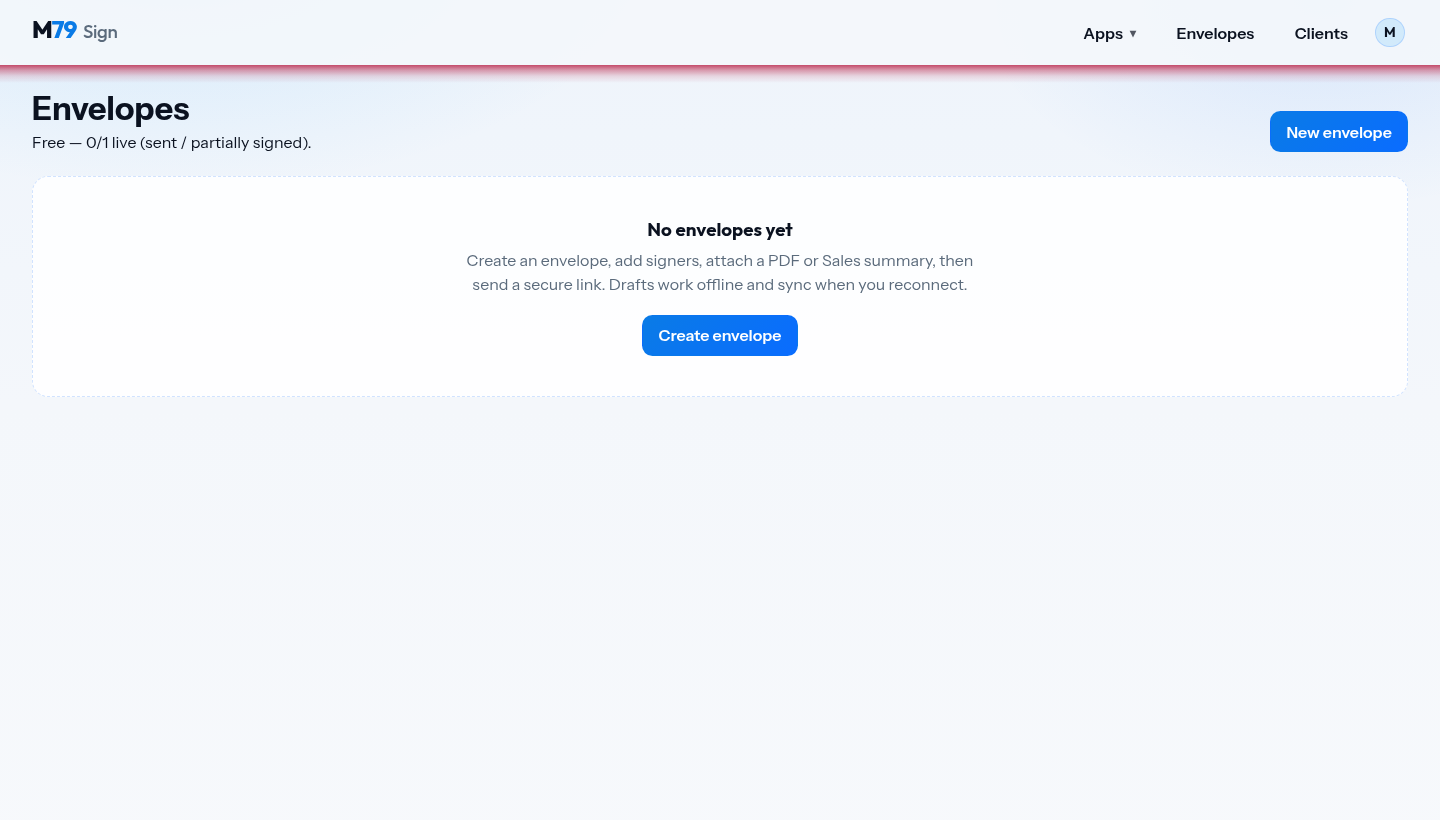
Client signs on a focused page, white-label on Pro.
Clear yes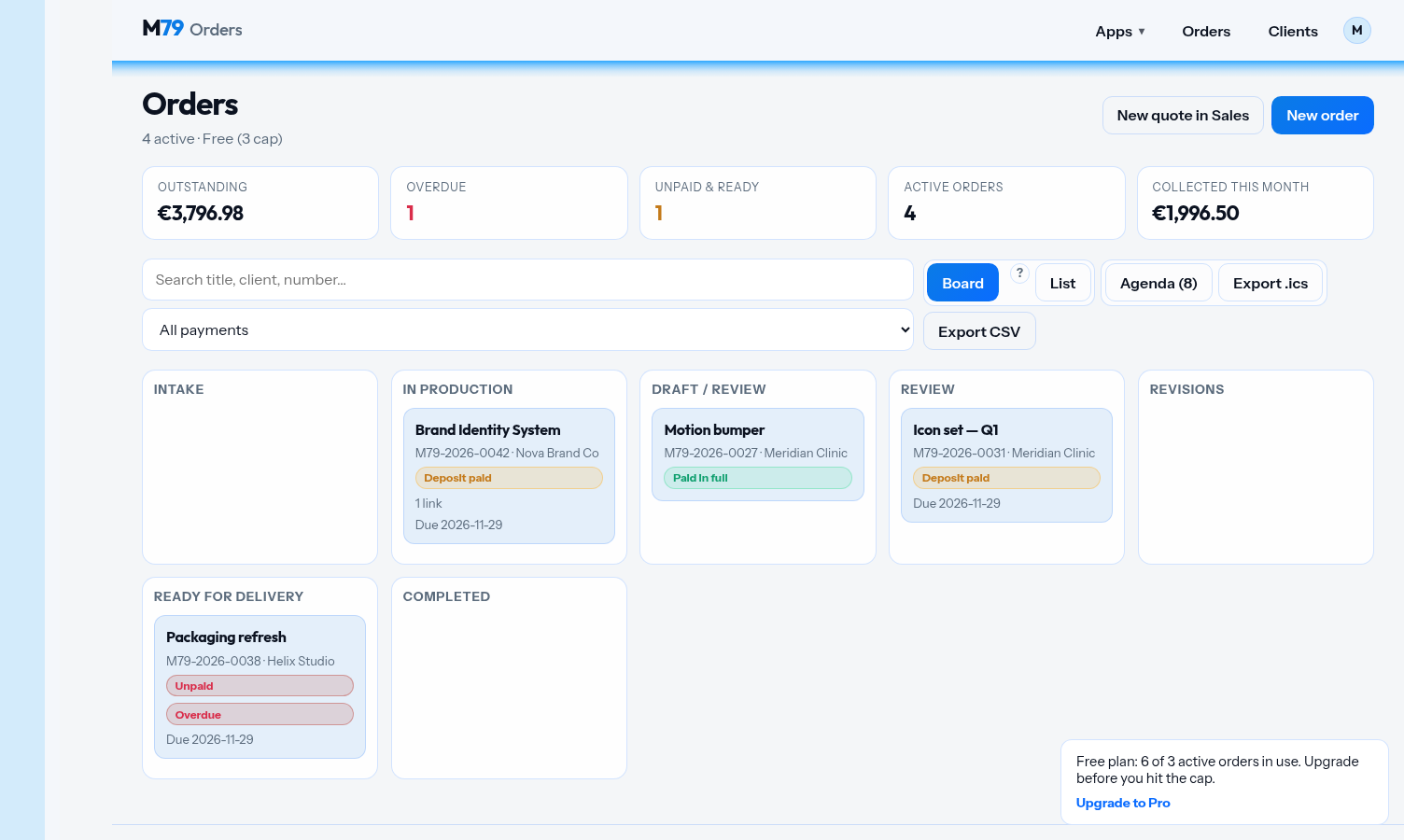
Keep the certificate; open the Orders job when work starts.
Then run the job
FAQ
Is this qualified eIDAS / QES?
No. Sign is practical signature evidence for studio agreements, not a claim of advanced or qualified electronic signatures.
What’s white-label?
On Pro, the signer page can carry your studio branding instead of default M79 chrome.