Time to Sales
You tracked the week. Then you typed it again.
Timers that never reach the invoice force you to rebuild the week by hand. Time stays local; review the week, then push into Sales.
Tracking hours is useless if invoicing means starting over. The week should survive the jump into a document the client pays, not die in a Sunday-night copy-paste.
M79 Time keeps timers on your machine. Review the week, export CSV, or push toward a Sales invoice on a shared suite client so the client name doesn’t drift between tools.
Why M79 wins here
Timers stay on your machine; selected entries push into a Sales invoice draft, no Friday rebuild of the week in Sheets.
The gap
- Timers in one app, invoices in another
- Sunday night copy-paste from screenshots
- Client name drifts between timer and invoice
The Suite outcome
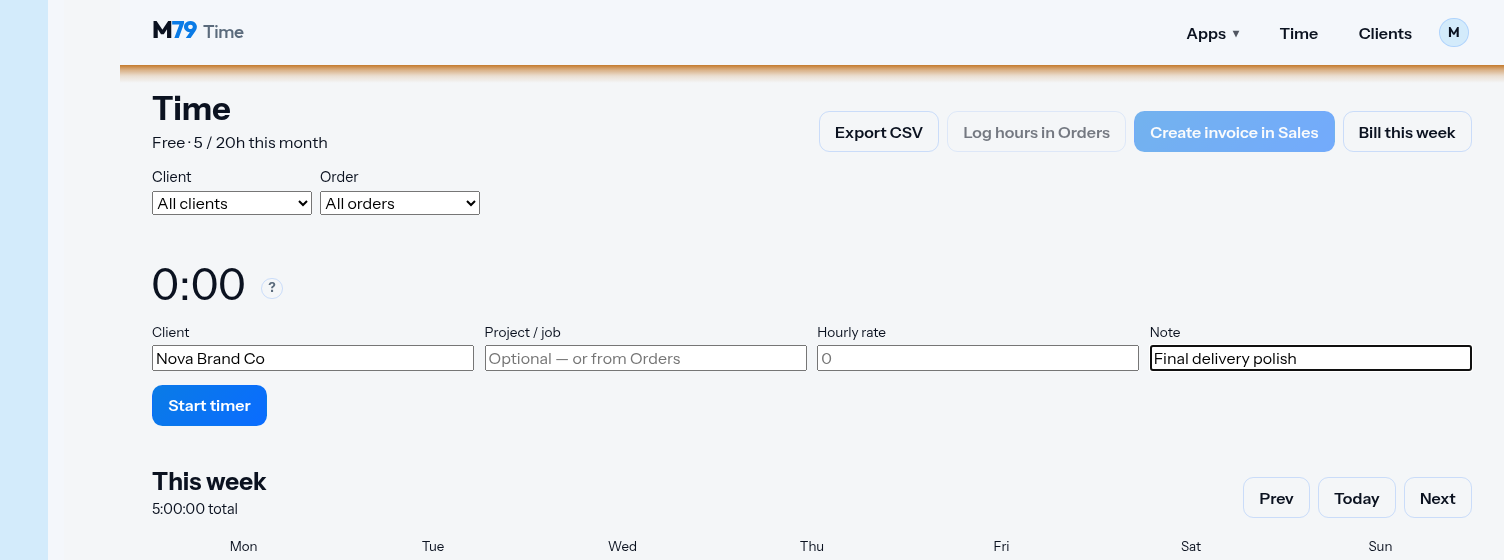
Run timers locally in Time.
Local timers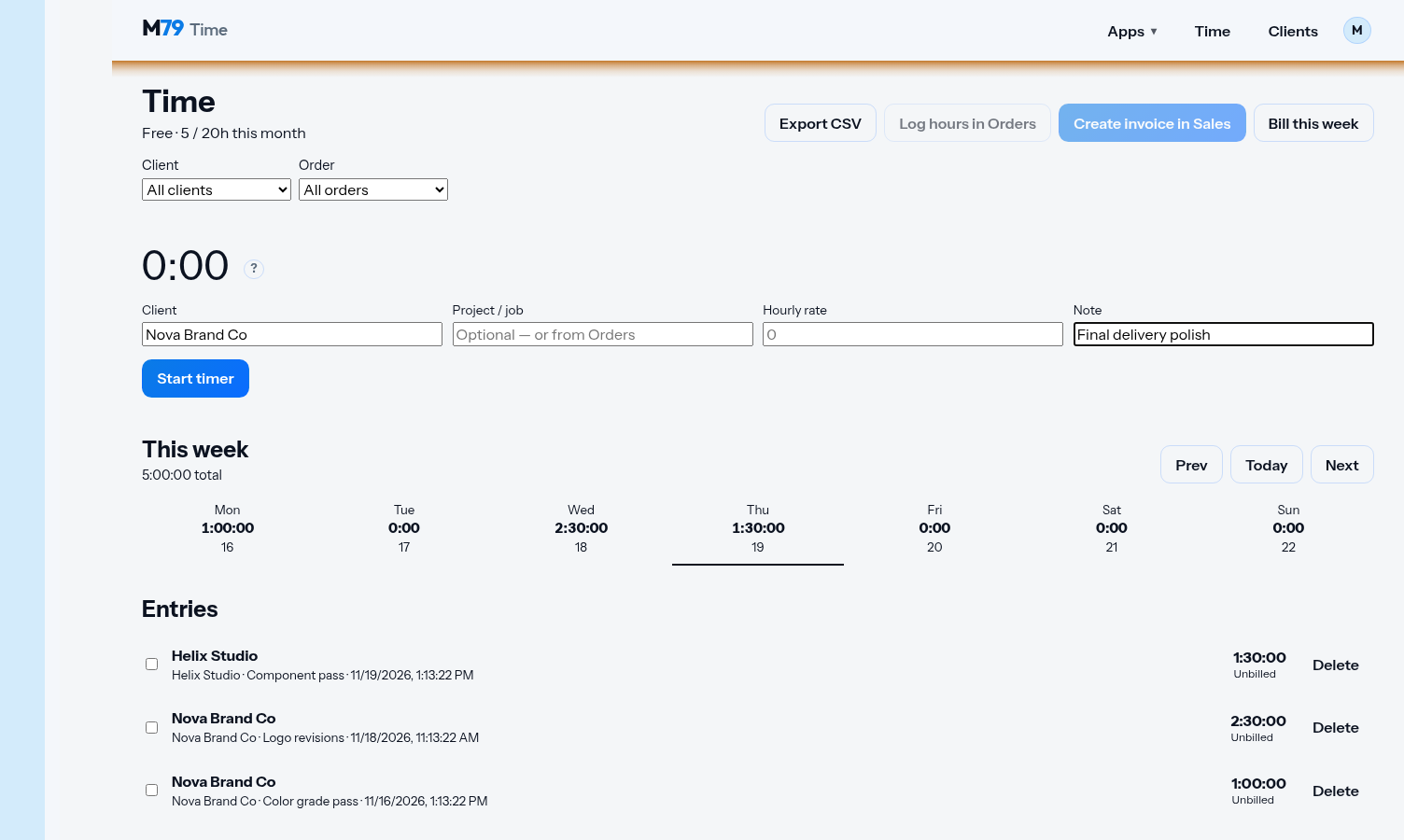
Review the week before you bill.
Week review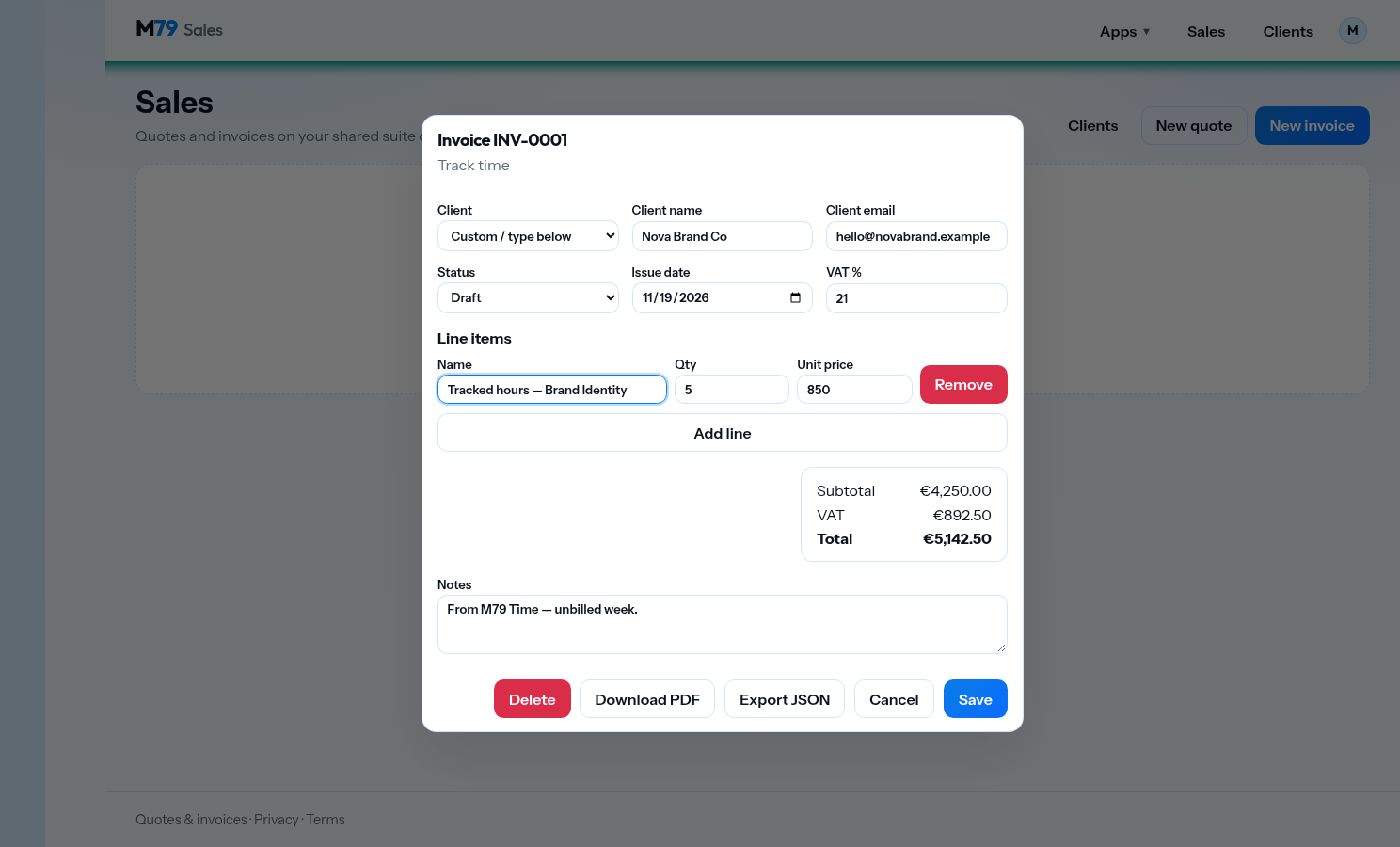
Hand off into Sales on the same client, or export CSV.
Invoice path
FAQ
Where do timers stay?
On your device for day-to-day tracking. Sign-in and plan status stay with the account.
What’s on Free?
20 tracked hours per calendar month. Pro removes that cap.