M79 Sign
Put your studio on the signer page (Sign Pro)
Free Sign is M79-branded. Sign Pro is white-label, with more storage and longer retention. Not a qualified e-signature.
A client opening your agreement should see the job, not a tour of the tool you happen to use. On a free plan that branding is a fair trade. It gets in the way once the page is the yes on paid work.
M79 Sign on Free uses an M79-branded signer page. Sign Pro replaces that with a white-label signer page. Either way this is evidence of consent you choose to send, not a qualified or eIDAS advanced signature, and not an upload of your whole studio.
Branded Free page vs white-label Pro
- Free: M79-branded signer page, 1 live envelope, 100 MB storage, 90-day retention on completed, declined, or void envelopes
- Pro: white-label signer page, unlimited live envelopes, 5 GB storage, 730-day retention on completed, declined, or void envelopes
- Pro price: €7/mo · €70/yr
- Same boundary either way: not a qualified electronic signature, and not a stand-in for your accountant
When the branded page is enough
Stay on Free if you are trying the flow, you have at most one live envelope out, and you are fine with M79 on the page the signer sees. One hundred megabytes and a 90-day keep on finished envelopes cover a short trial. Working data stays in the browser; a Sign document goes out only when you send it.
When white-label is the right fit
- The signer is a client, and the page should not advertise the tool
- You send more than one live envelope at a time
- You need the document kept longer than 90 days after it is completed, declined, or void
- The file belongs with a Sales quote or an Orders job, on a client the suite already shares
How it sits with the rest of the suite
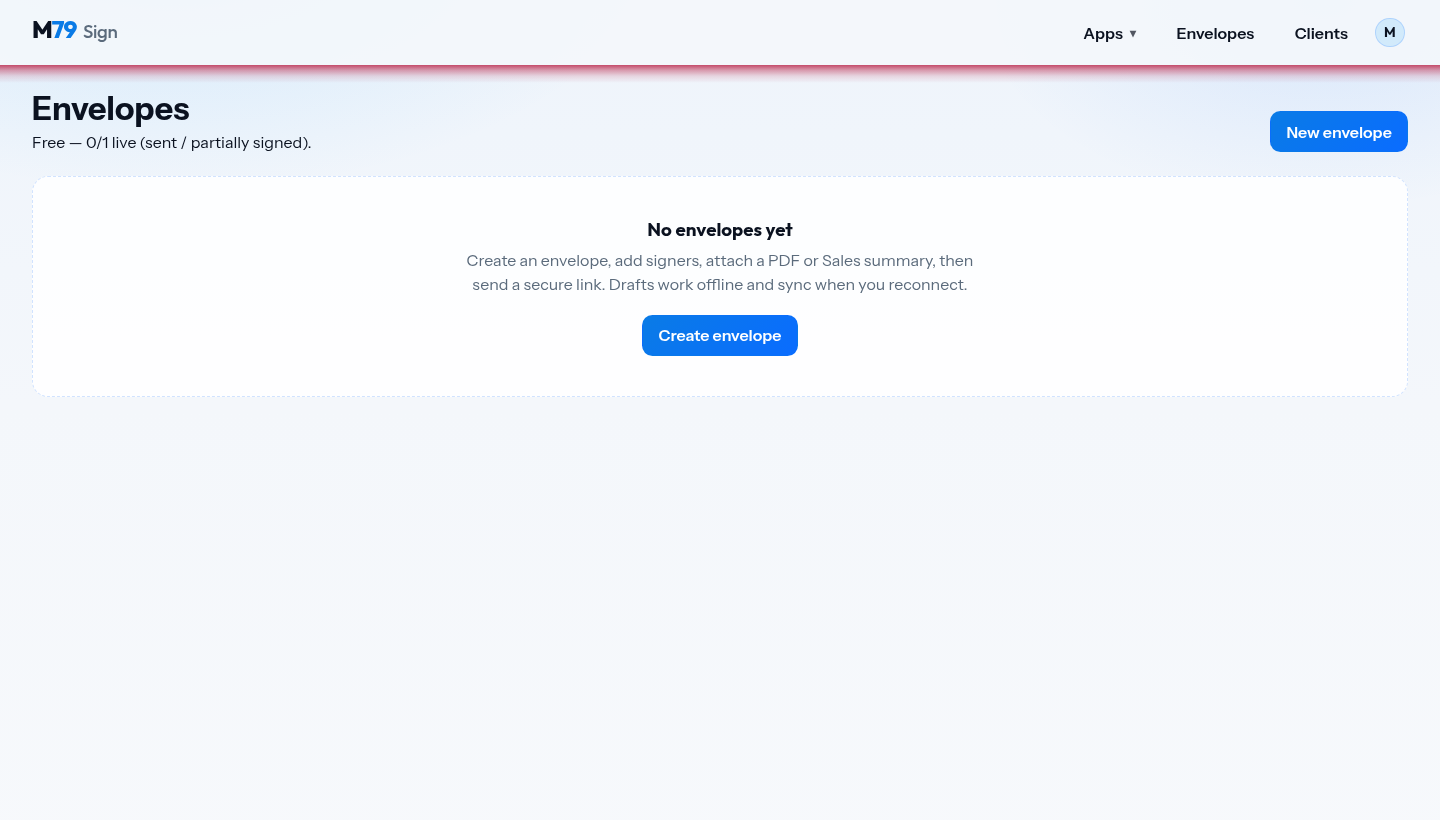
Send the document from Sign when you need a signature. Sales and Orders can continue into Sign; you can also use Sign on its own.
Start in Sign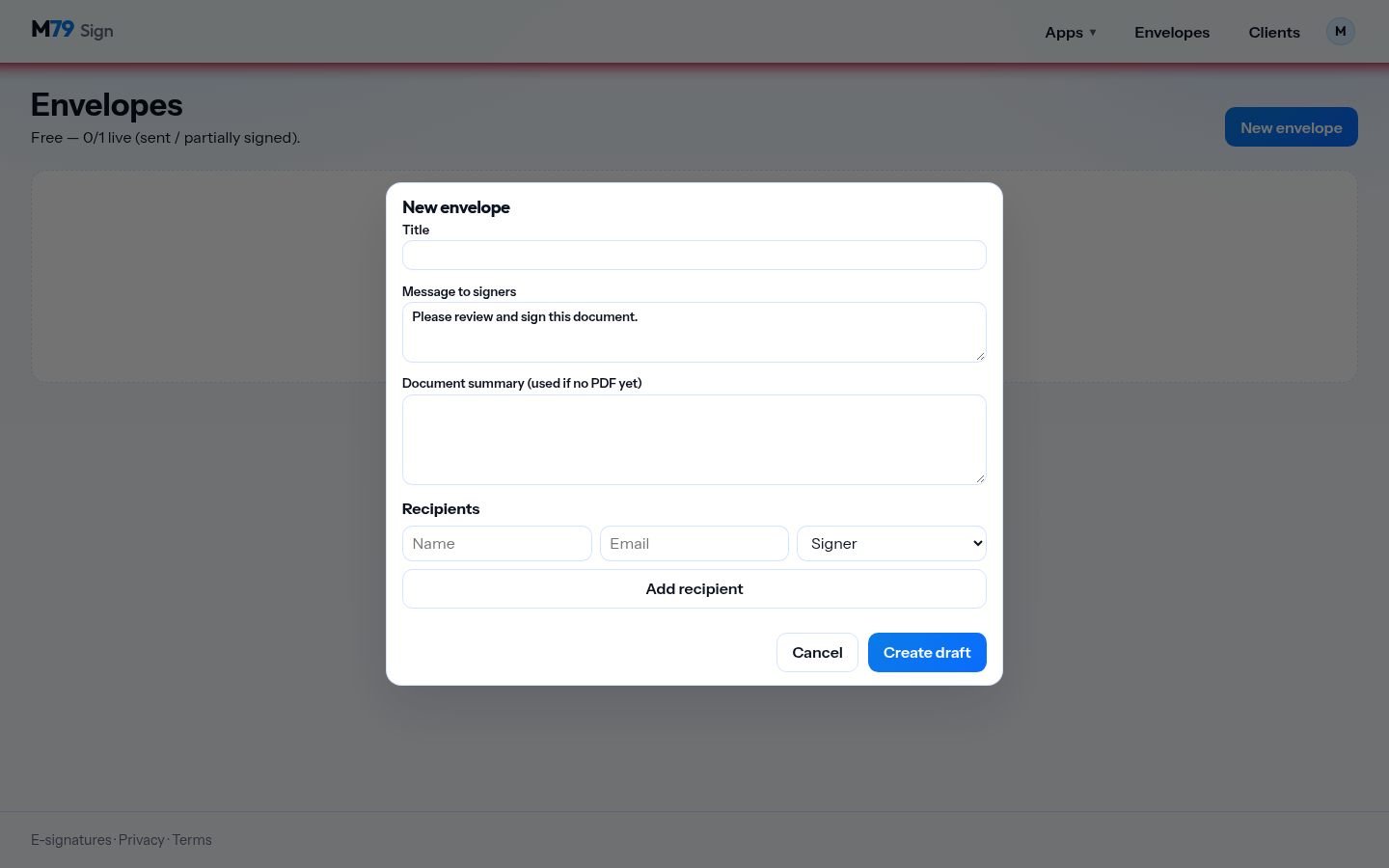
On Free the signer page is M79-branded and one live envelope is the cap. On Sign Pro the page is white-label and that cap is gone.
Free branded · Pro white-label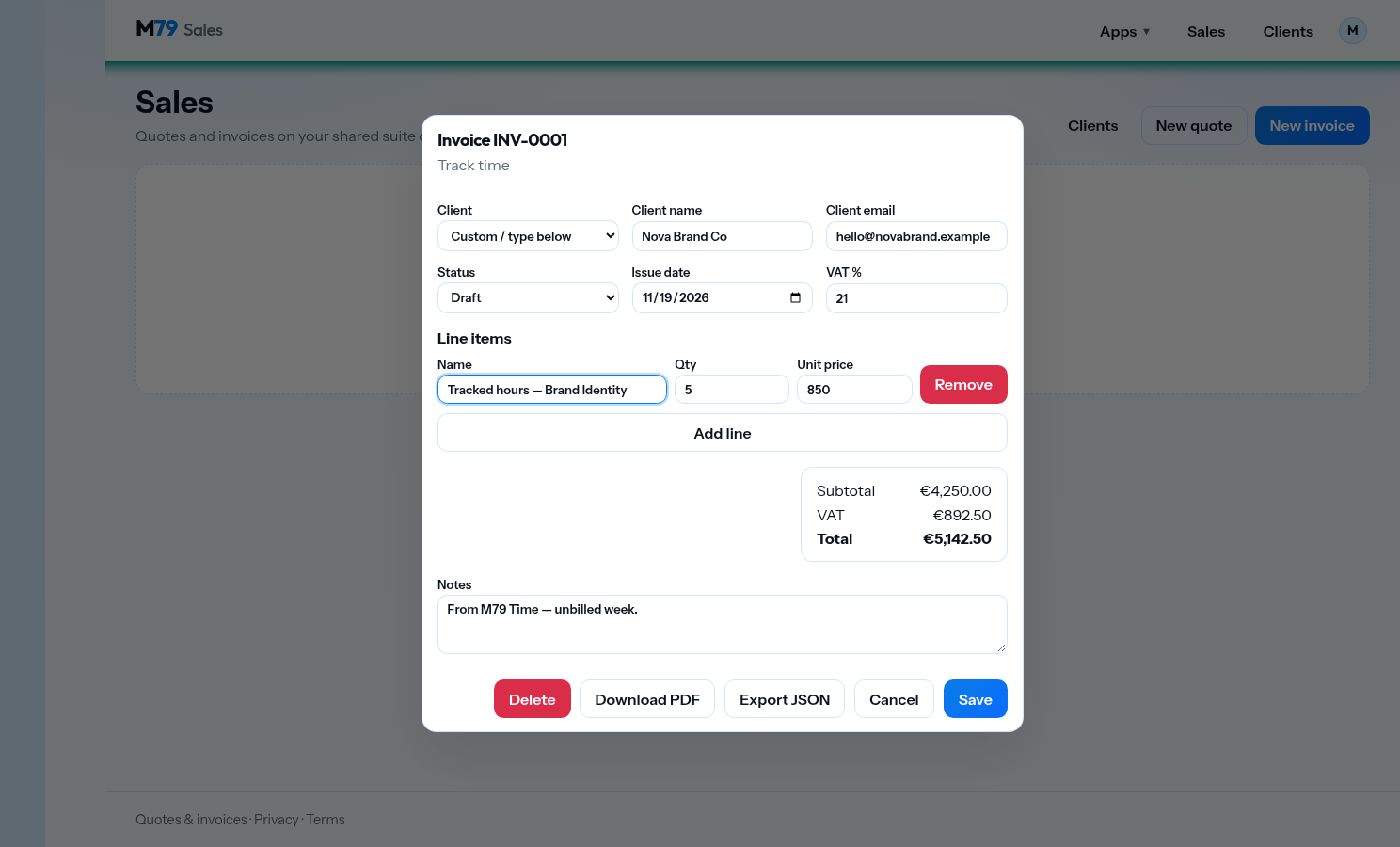
After a clear yes, continue on the same suite client. A job in Orders, or the quote and invoice in Sales, without rebuilding the contact.
Same client across the suite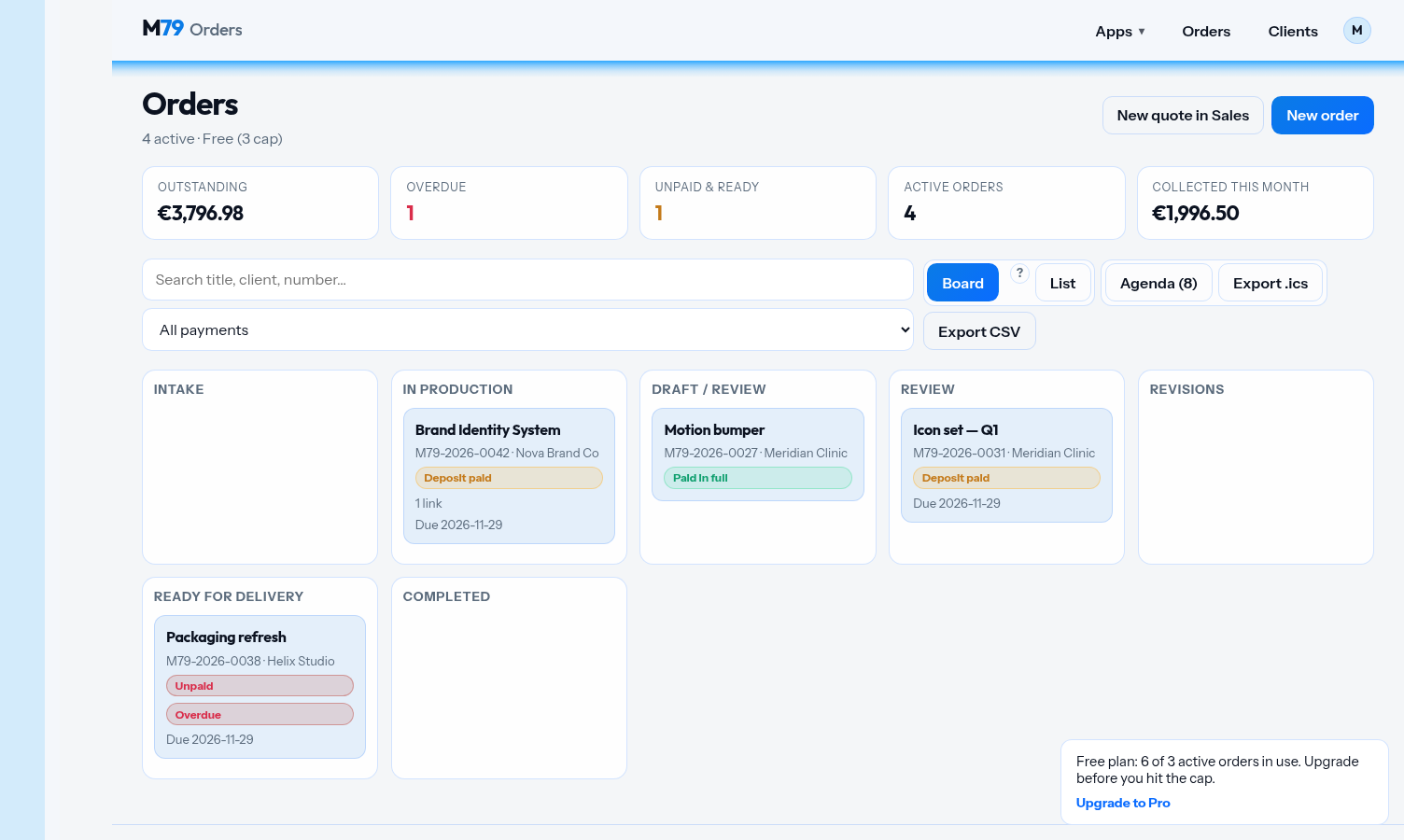
Sign up free, then move to Sign Pro when the client-facing page, storage, or retention is the limit. Suite checkout (Orders, Sales, Sign, and Time together) sits on Hub Settings to Plan. Kickoff Suite: first 50 paid subscribers lock €22/mo · €220/yr for life while continuous (unsubscribe ends the lock); then list €25/mo · €250/yr. Food is not part of Suite.
Then the job board
White-label does not change what Sign is. You still are not getting a qualified signature, a tax filing tool, or a place to upload the whole workspace. You are choosing a signer page that looks like your studio, with the Free and Pro limits written down.
FAQ
Does Free include a white-label signer page?
No. Free is M79-branded, with 1 live envelope, 100 MB storage, and 90-day retention on completed, declined, or void envelopes. White-label is Sign Pro (€7/mo · €70/yr), with unlimited live envelopes, 5 GB storage, and 730-day retention.
Is a white-label page a qualified e-signature?
No. M79 Sign is not a QES or eIDAS advanced signature. Branding on the signer page does not change that.
Do I have to buy the whole suite to remove the M79 branding?
No. White-label is part of Sign Pro. Shared clients still work across Orders, Sales, Time, and Sign when you use those apps. Suite pricing is separate on Hub Settings to Plan: Kickoff Suite locks €22/mo · €220/yr for the first 50 paid subscribers while continuous (unsubscribe ends the lock); then list €25/mo · €250/yr. Food stays out of Suite.