M79 Time + Sales
Turn tracked hours into a Sales invoice
Track hours in M79 Time against suite clients, then send selected entries to Sales as an invoice draft.
Hours in a notebook don’t become cash. You need a timer tied to a client, a clean list of unbilled entries, and a path into an invoice, without pasting rows into Sheets every Friday.
M79 Time tracks against suite clients. When you’re ready to bill, send selected entries to M79 Sales as an invoice draft. Caps on Free plans are explicit so you know when Pro is worth it.
Weekly rhythm: timer to review to invoice
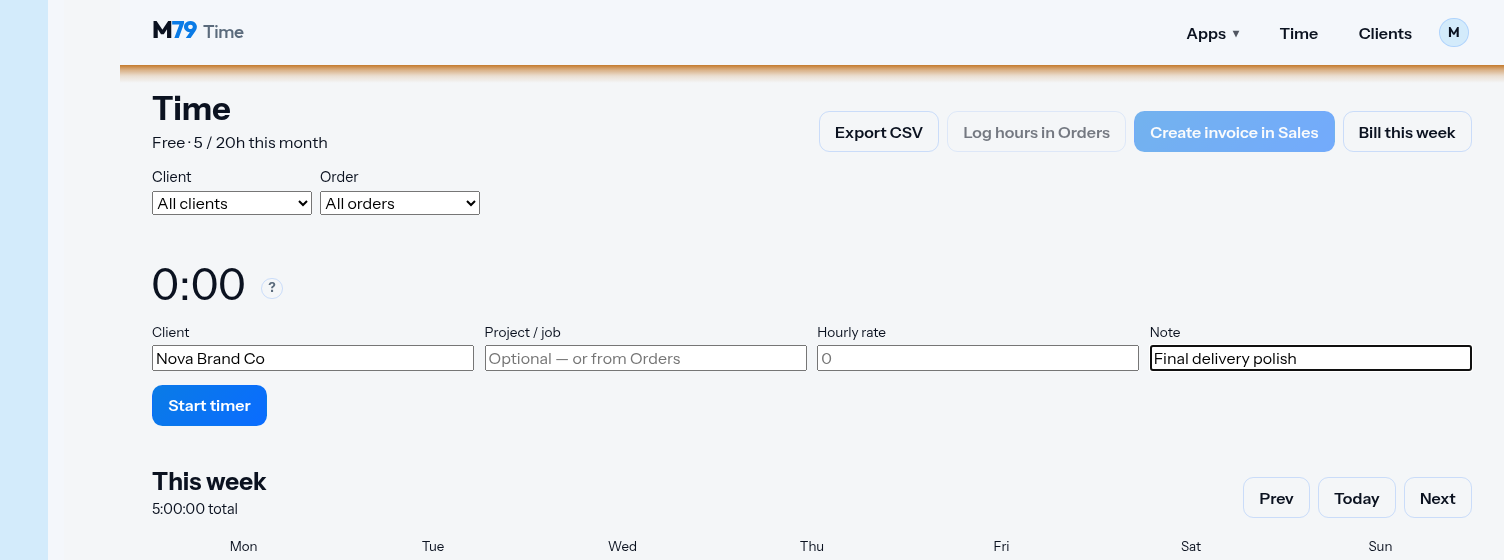
Start/stop timers (or add entries) against the right client.
Timer on the right client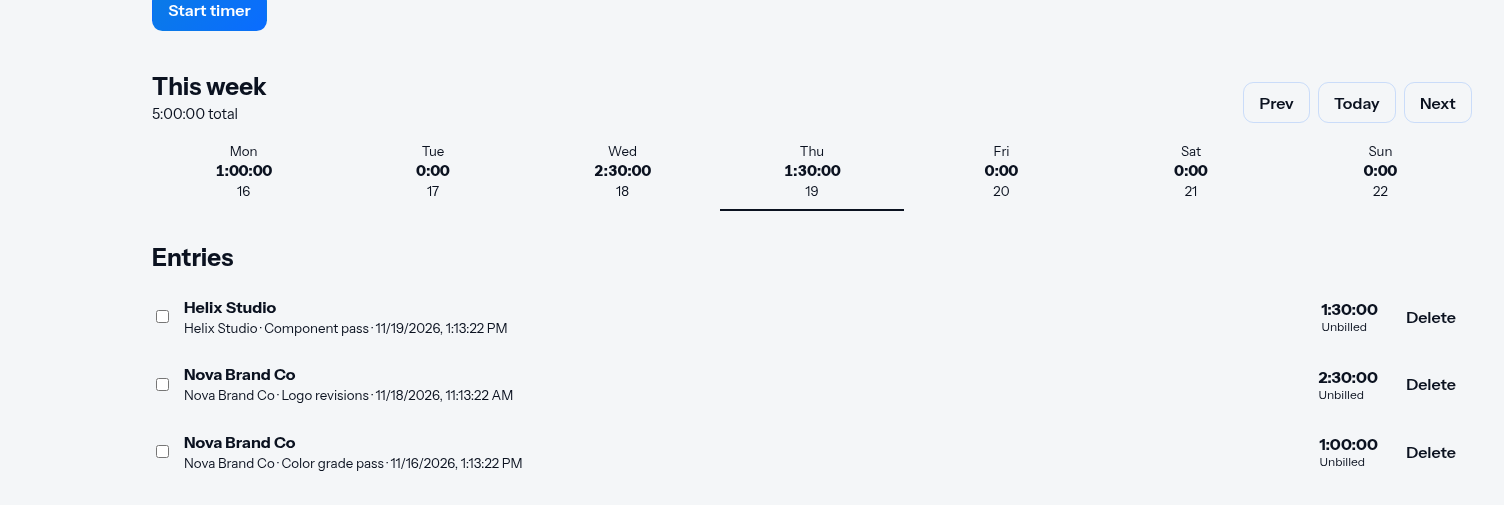
Review unbilled hours at week’s end.
Unbilled entries on the week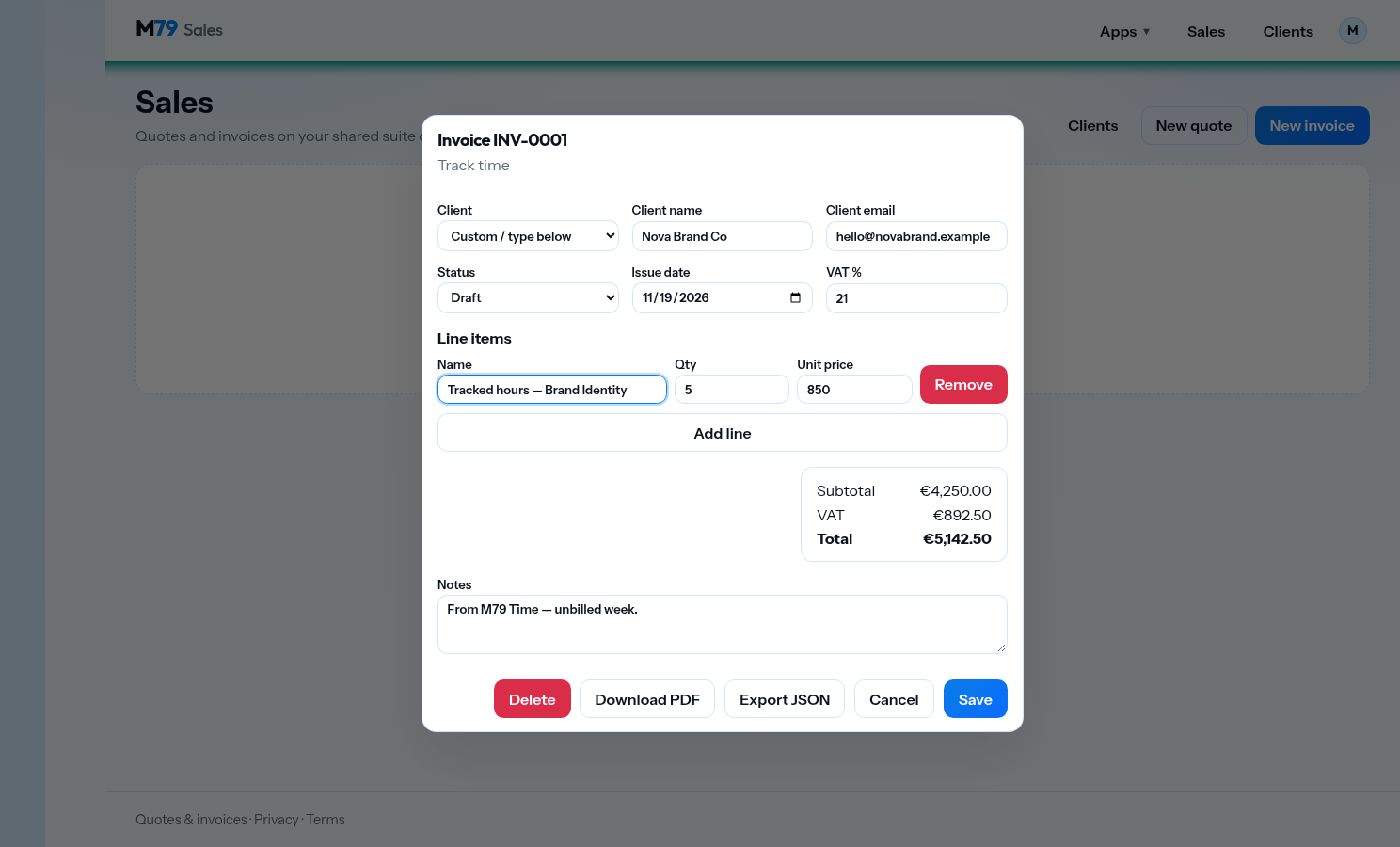
Invoice in Sales; keep the job status honest in Orders.
Invoice draft in Sales
FAQ
Do hours sync to a cloud timesheet?
No. Timers stay in your browser. Invoice selected entries in M79 Sales or export CSV.
What’s free?
Free includes 20 tracked hours per calendar month. Pro is €5/mo · €50/yr for unlimited hours.