M79 Sales + Orders
Turn an accepted quote into an Orders job (same client)
Turn an accepted Sales quote into an Orders job with deposit milestones on the same suite client. No second contact card.
Winning work shouldn’t mean retyping the client into a second tool. The quote PDF says yes in chat, then the job details scatter before anyone opens a board.
In the M79 suite, Sales owns the quote; Orders owns the job board. Shared suite clients mean accept to create order without rebuilding the contact.
From accepted quote to a job with deposits
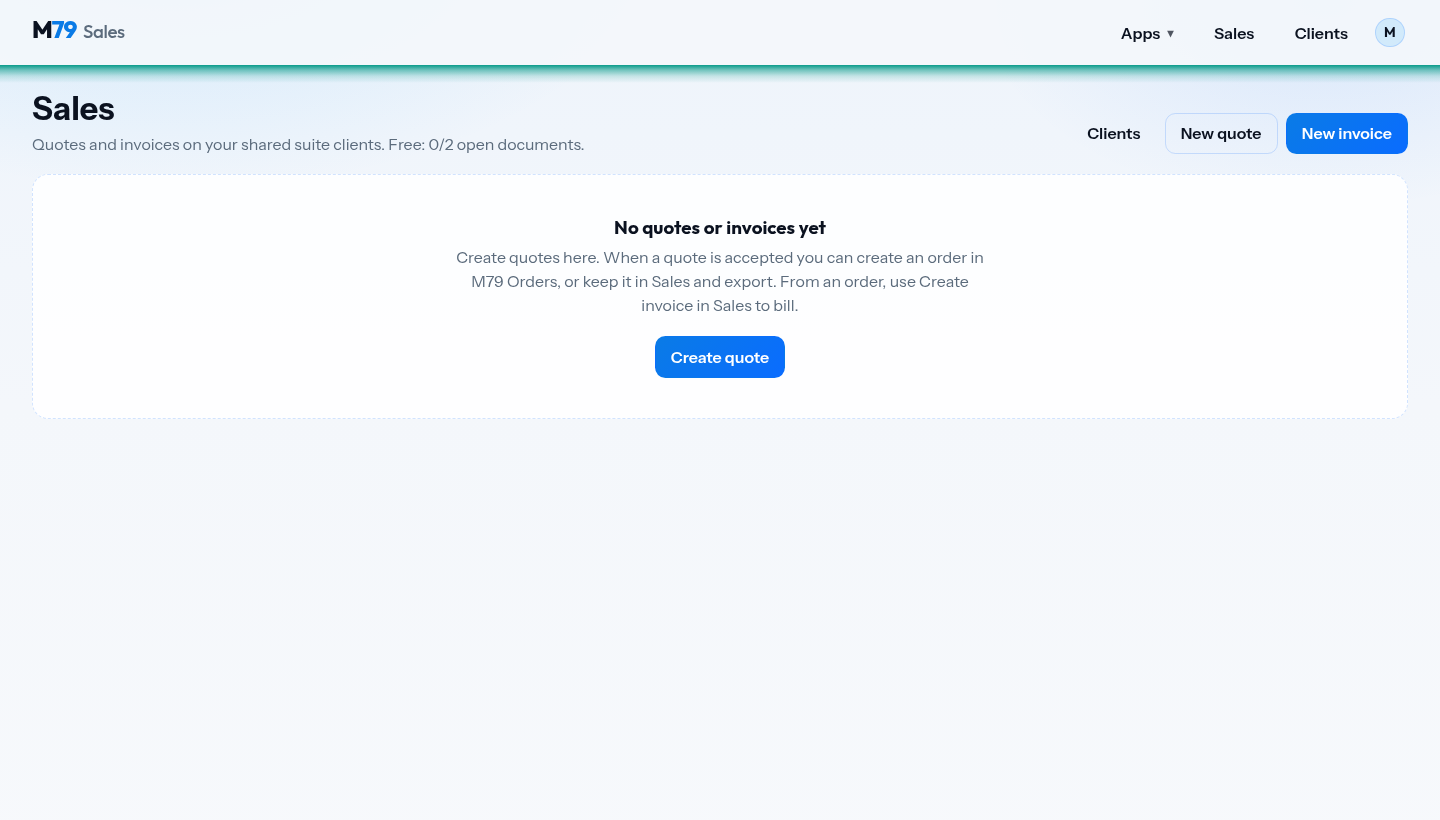
Write the quote in Sales on a shared suite client (line items clients can read).
Quote on the suite client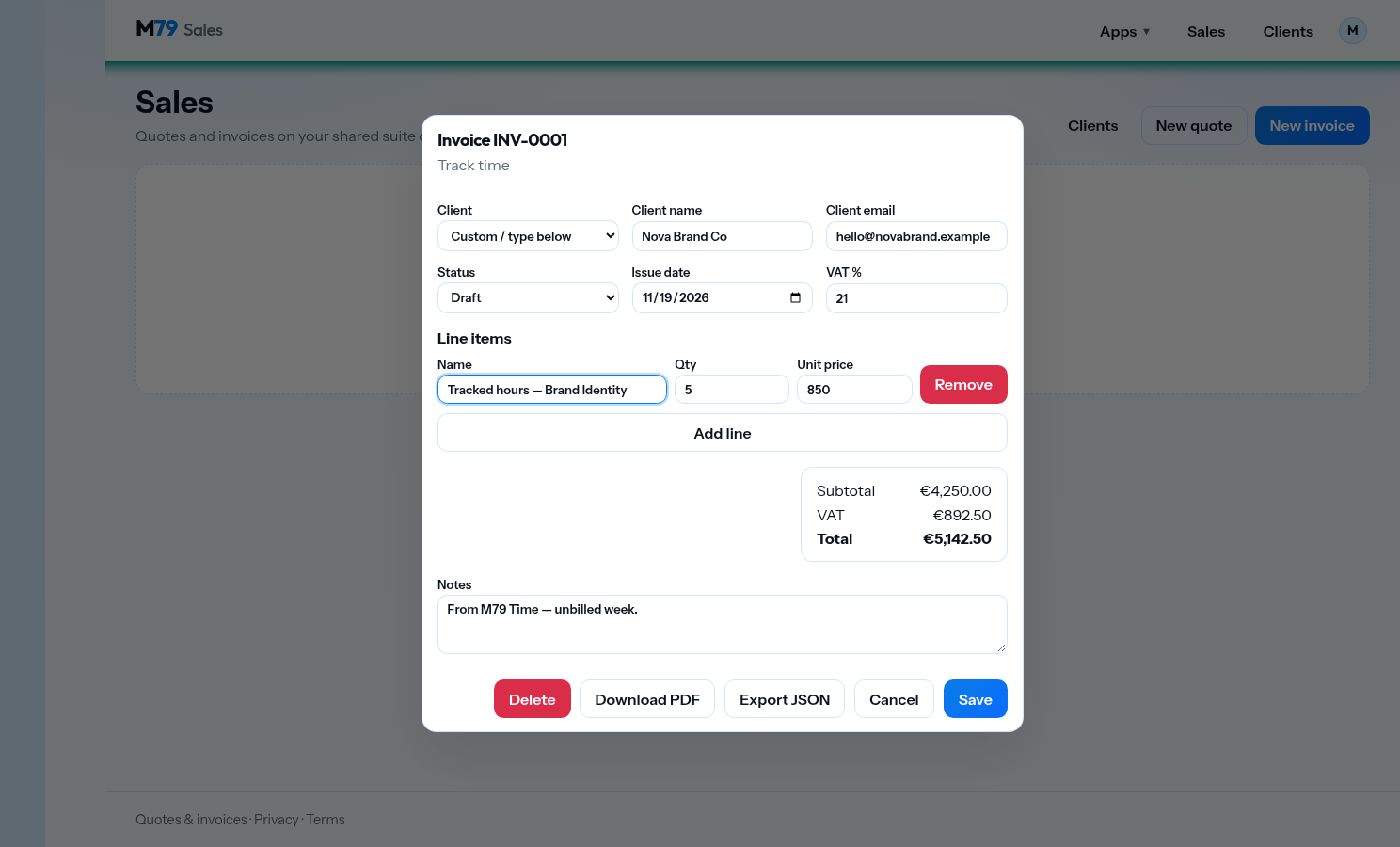
Get a clear accept. Sign for signature evidence, or mark accepted when the yes is already solid.
Clear yes before the job opens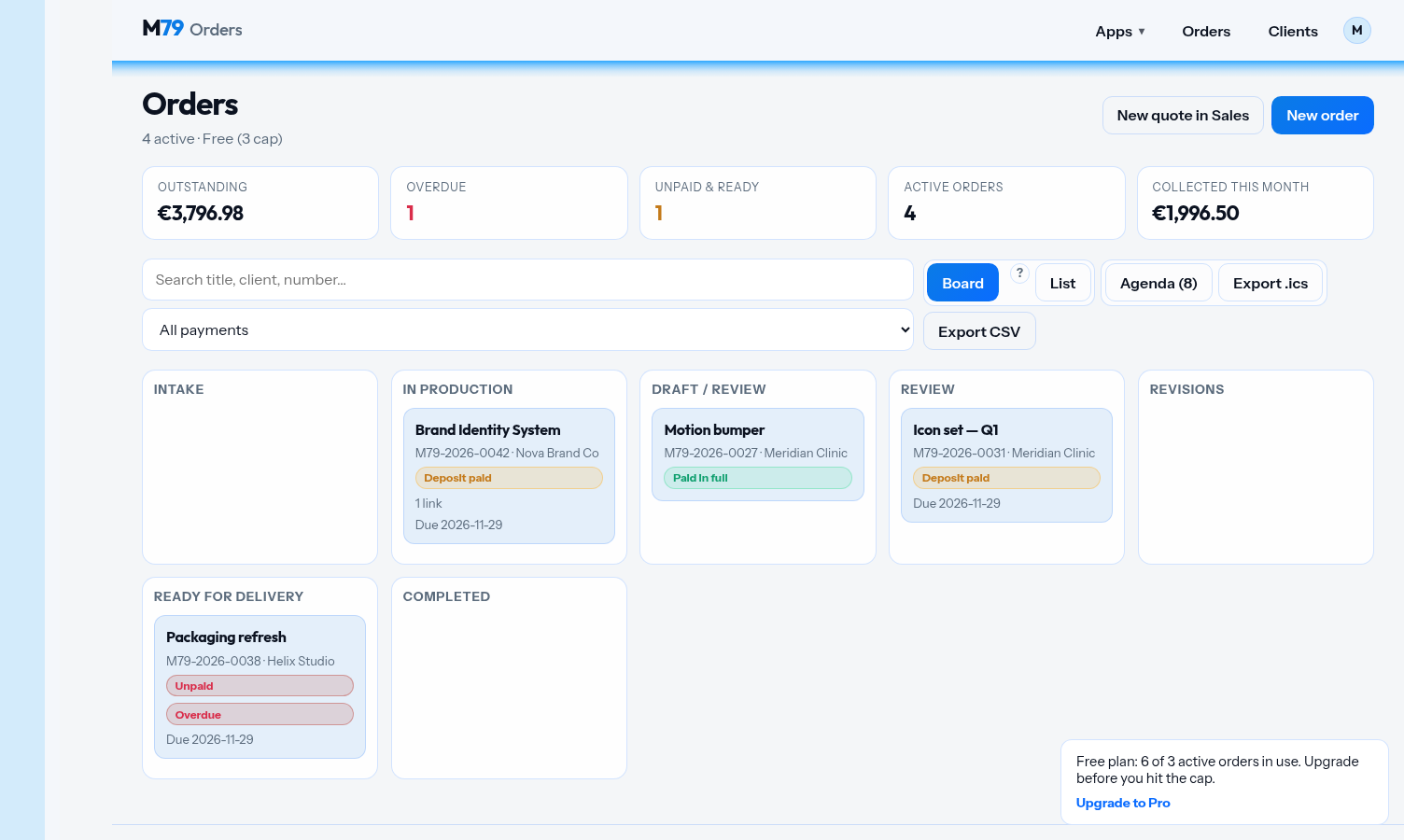
Create the order in Orders from that client.
Same client on the board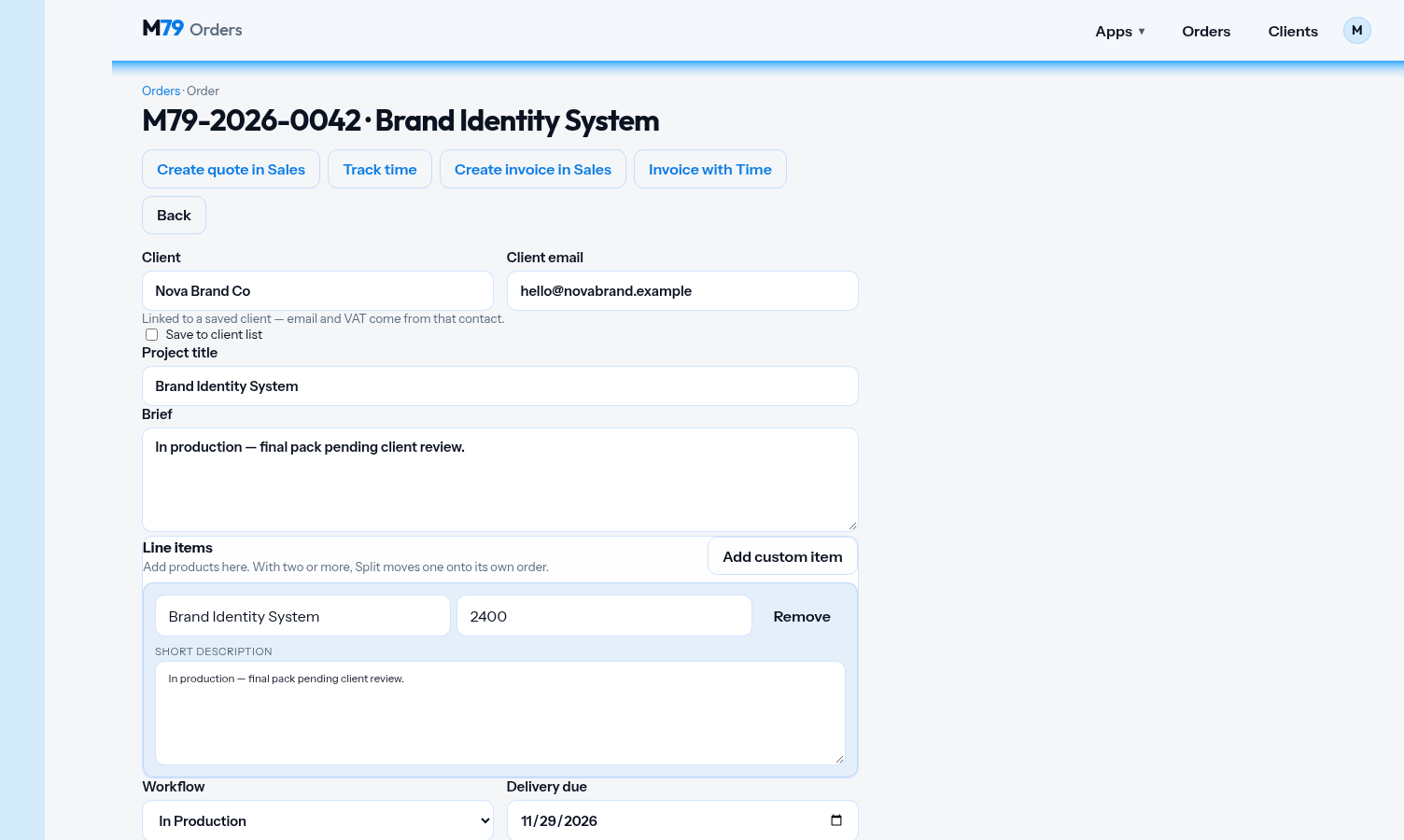
Add deposit, progress, and final milestones on the job card and track them until delivery.
Money on the same card
The gap this closes
- Duplicate contacts across quote tool and job board
- Accepted PDFs with no deposit dates on a live card
- Delivery starting before money milestones are visible
FAQ
Do I retype the client when the quote is accepted?
No. Suite clients are shared, accept in Sales, create the order in Orders on the same contact.
Where do deposits sit after accept?
On the Orders job card as milestones, not buried in the quote PDF.
Can I require a signature before the job opens?
Yes. Send the quote for signature in M79 Sign, then create the Orders job when you have a clear yes.