M79 Orders
Track freelance deposits on the job (not in a spreadsheet)
Track deposit, progress, and balance due on the job card, not in chat or a second sheet. M79 Orders.
Partial payments are where freelancers lose the thread. A deposit hits the bank, the chat says “all good,” and three weeks later nobody knows whether the balance was due before delivery, or which progress payment is still open.
M79 Orders puts deposit, progress, and final on the job itself. Payment status (unpaid, deposit paid, paid in full) shows on the board, so cash and delivery share one card, not a buried notes column.
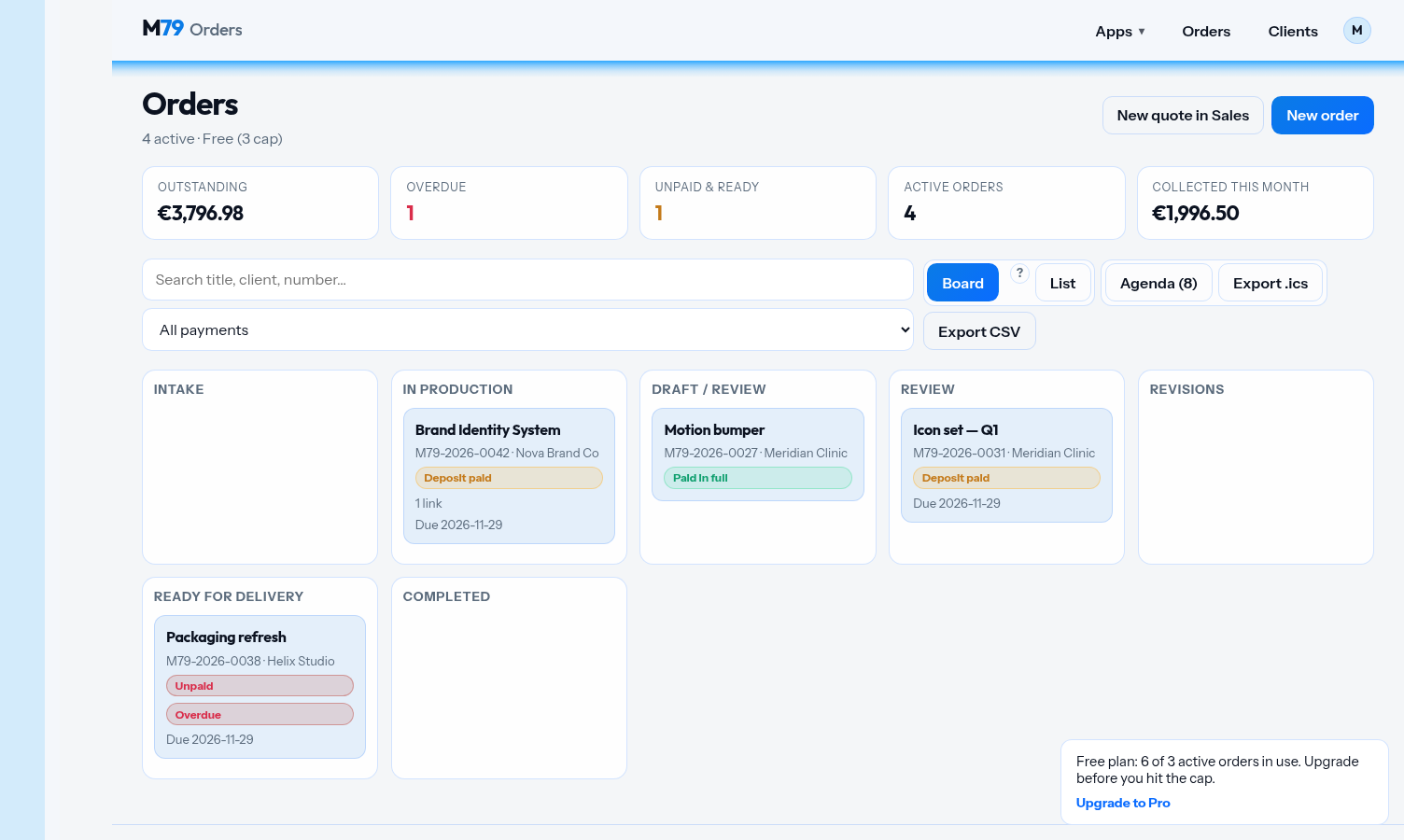
Put deposit, progress, and final on the job
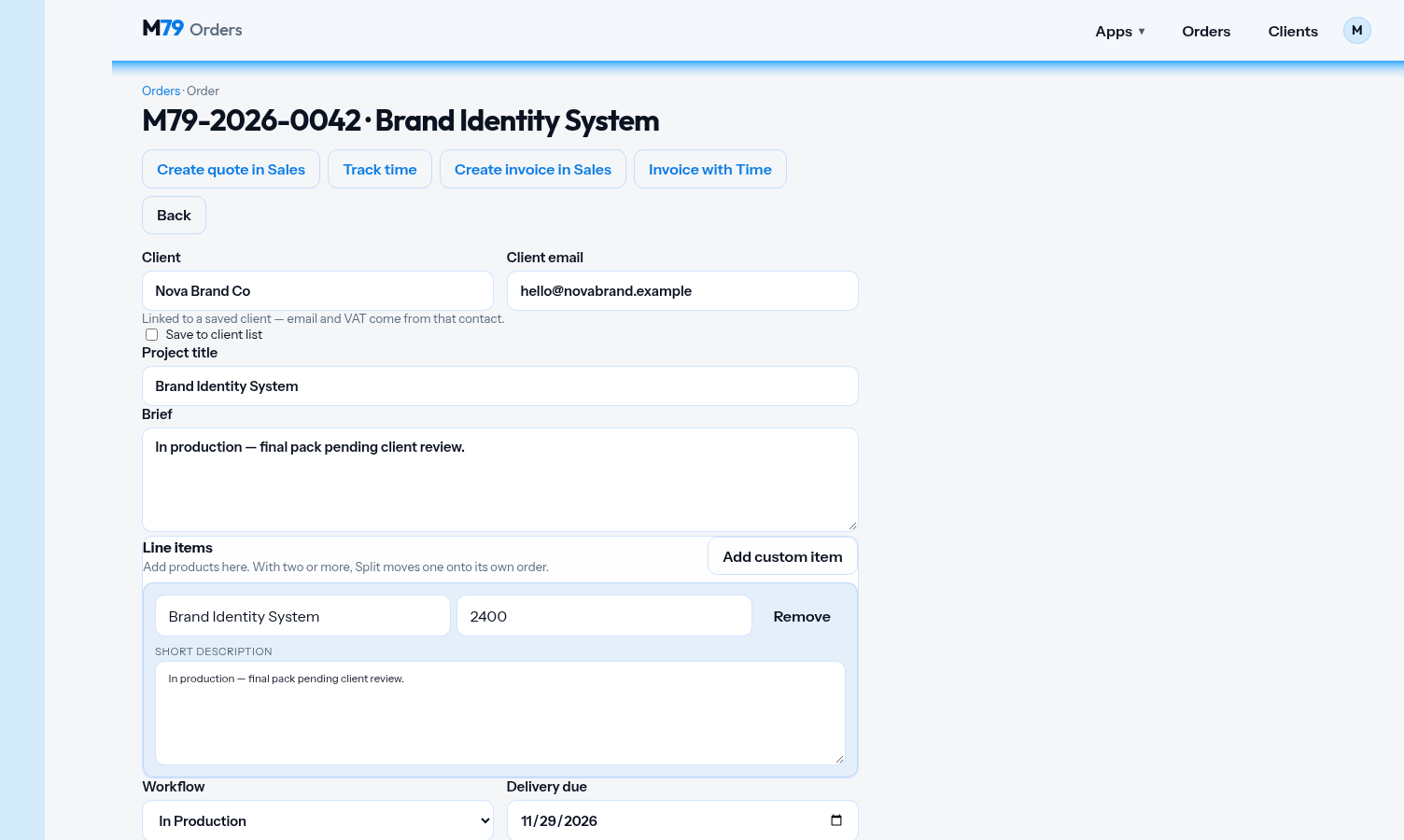
Create the job on the Orders board (client + due date).
Client + title on the job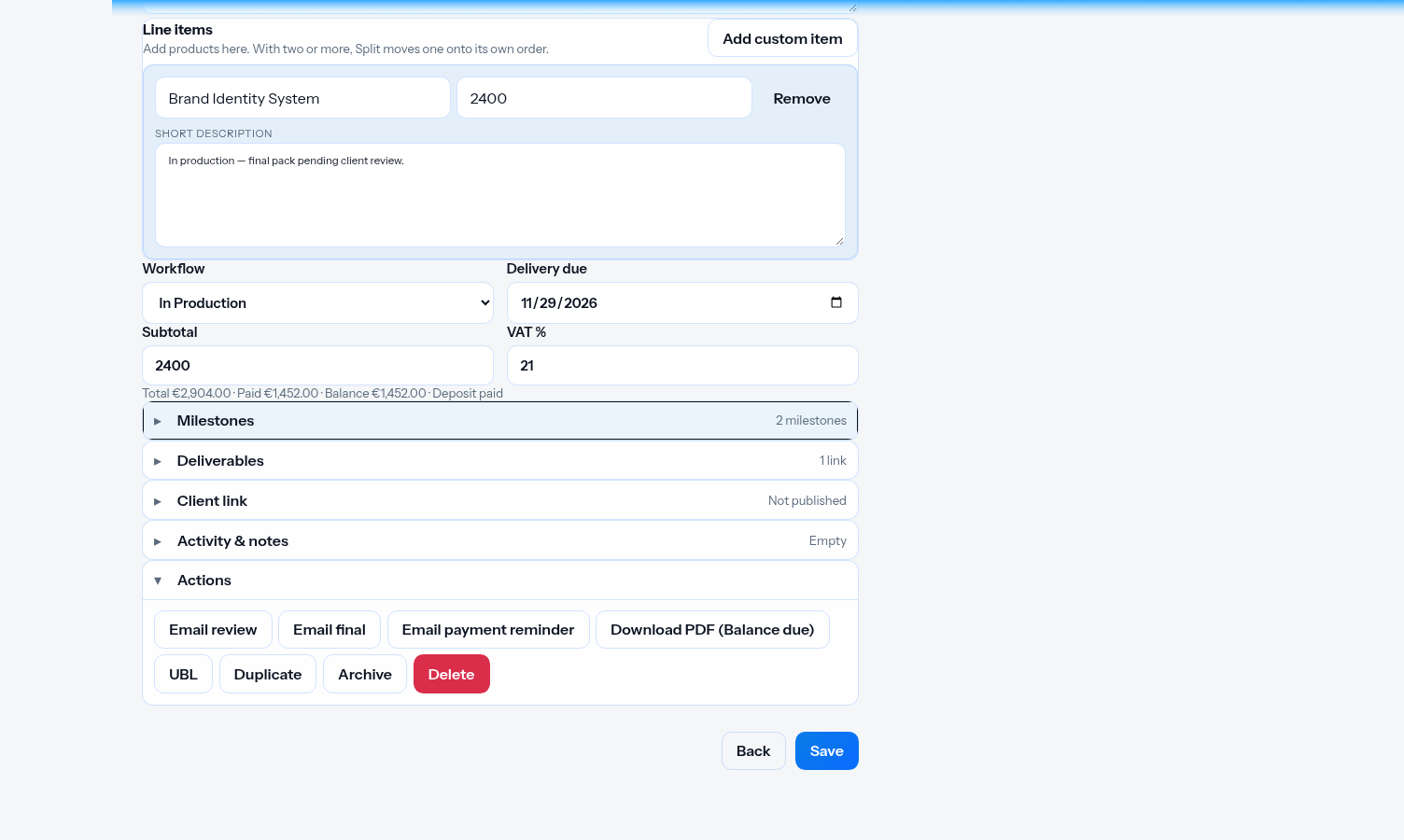
Add money milestones, typically deposit, progress, and final.
Milestones on the job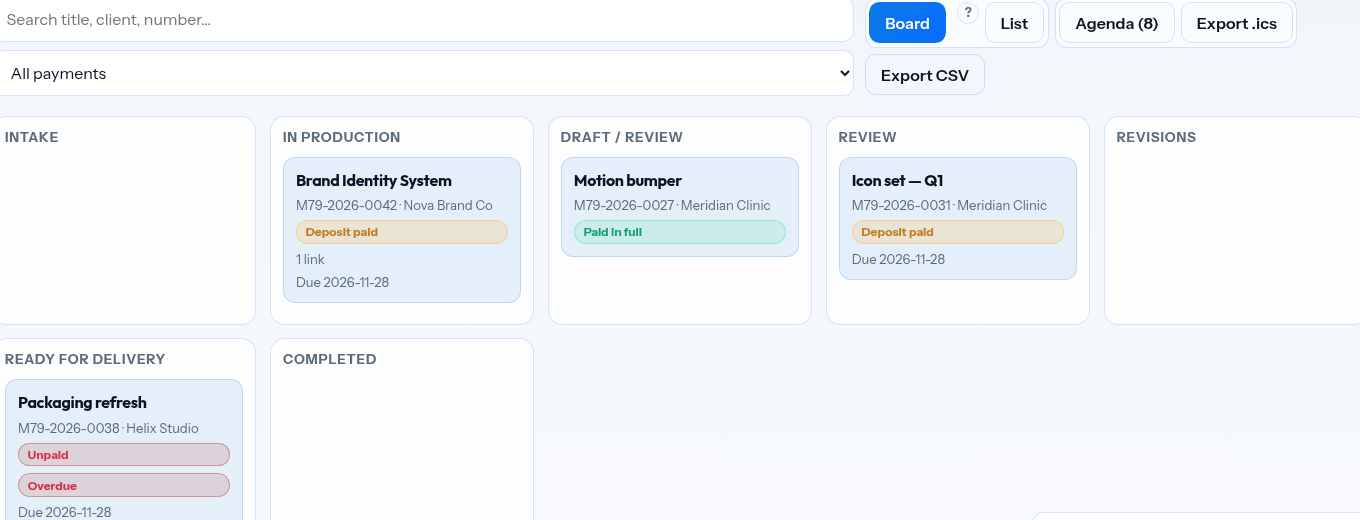
Mark each milestone paid when the money clears; the board badge updates.
Badges update as money clears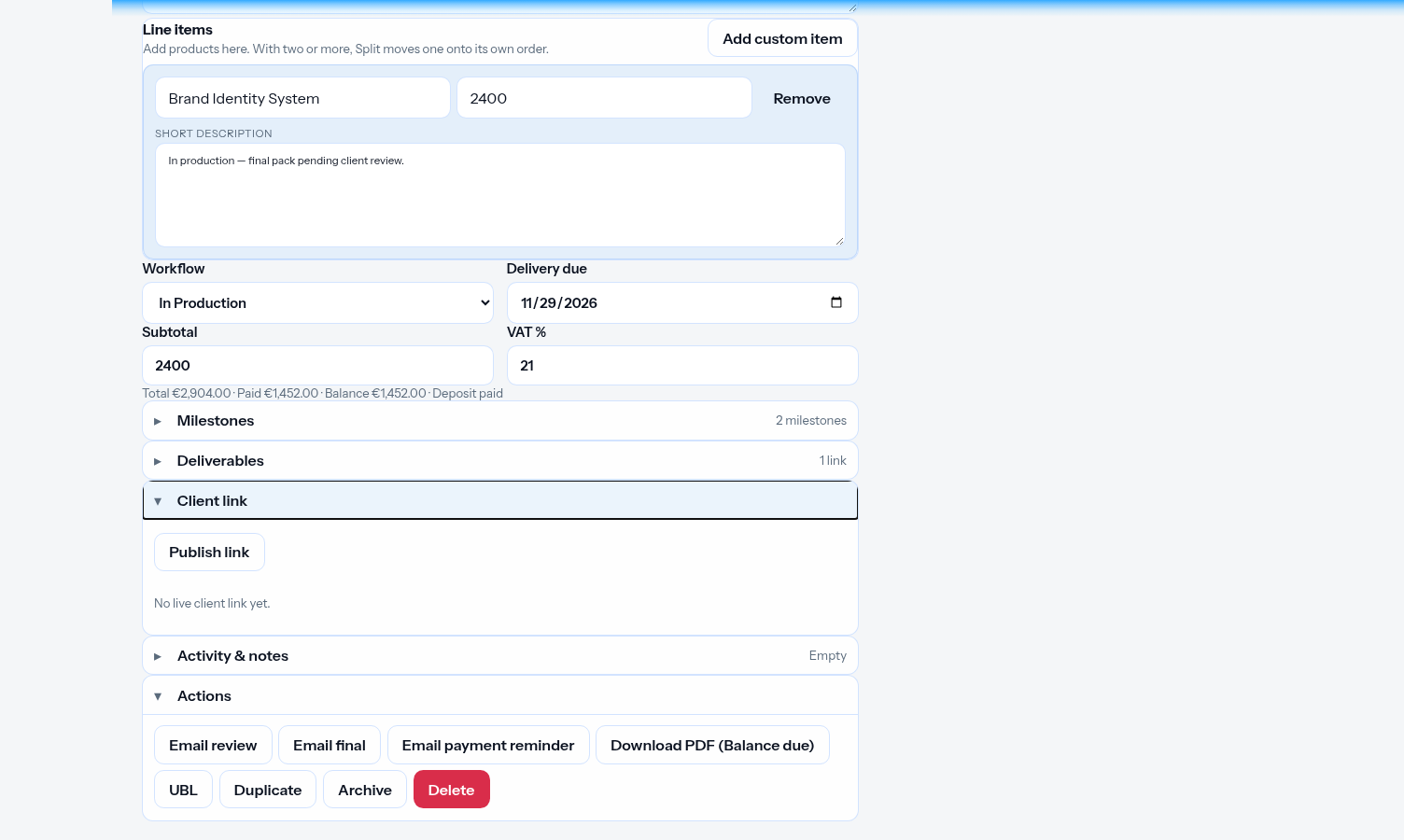
Share a curated client link when they need to see what’s paid vs still owed.
Client sees only what you publish
What a deposit tracker must show at a glance
- Milestones with clear paid / unpaid state (not a free-text notes column)
- Due dates for money and for delivery on the same card
- Deferred / progress balances visible without opening five chats
- Working data that stays on your device until you choose to share
Free includes 3 active orders and 1 live client link, enough to try the board. Upgrade when you need unlimited jobs and links.
FAQ
Can I track deposit vs final on the same job?
Yes. M79 Orders keeps milestones on the job card with unpaid / deposit paid / paid in full badges on the board.
How do I track deferred or progress payments (not just deposit + final)?
Add a progress milestone between deposit and final. Each milestone has its own paid state, so open balances stay visible on the job.
Does deposit data leave my browser?
Working data stays in IndexedDB on your device. Only a curated client share link publishes what you choose.