M79 Sales + Sign
Accept a quote with a signature before the job opens
Send a Sales quote through M79 Sign so chat yes becomes a dated accept, then open the Orders job.
“Looks good” in email isn’t the same as a dated accept. When scope disputes show up later, you want the quote, the mark, and the timestamp in one place.
From M79 Sales, send the quote for signature in Sign. The signer reviews, types a name, draws a mark; you keep the certificate. Then open the job in Orders.
Get a clear yes, then open the job
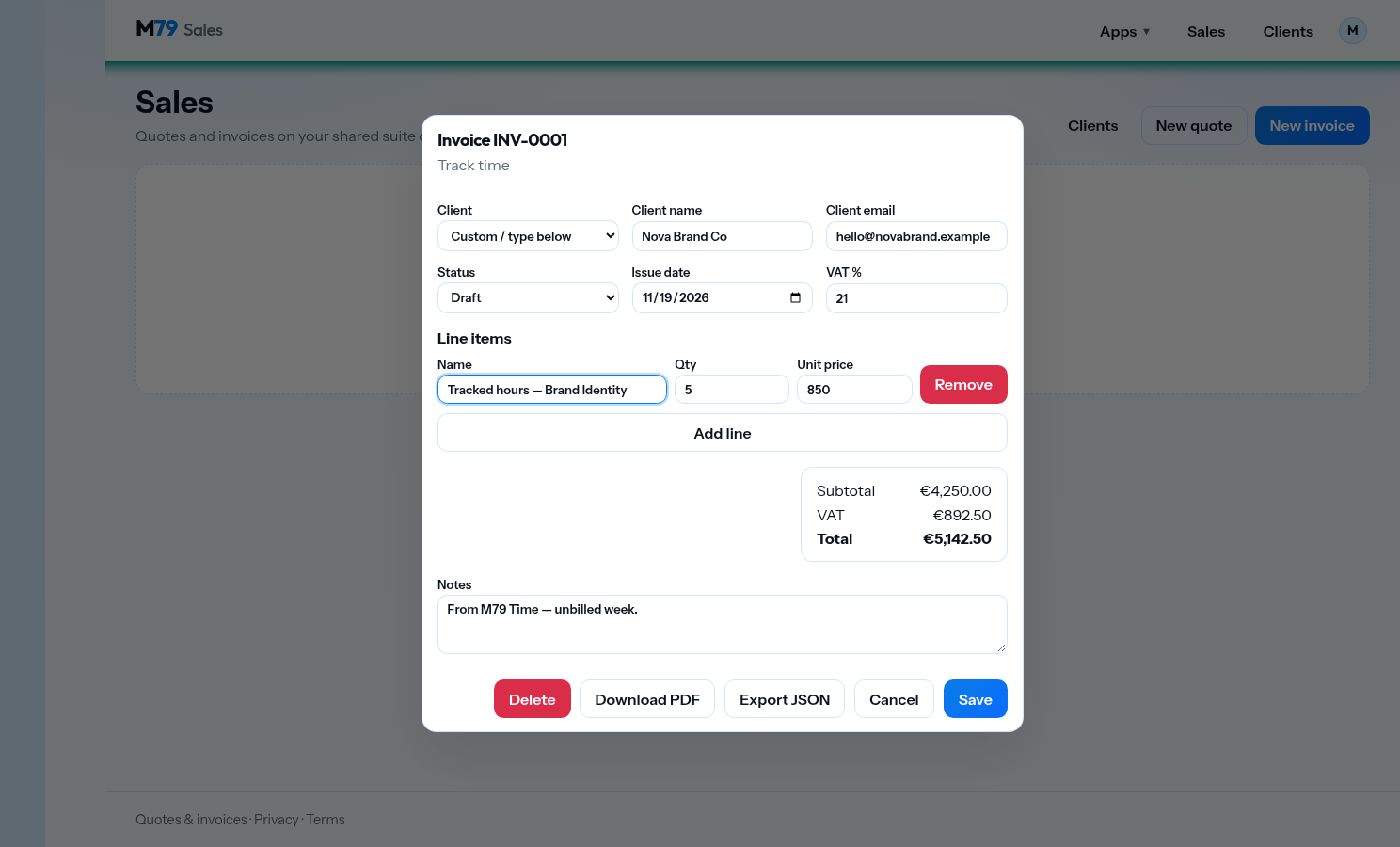
Finish the quote in Sales on a shared suite client.
Quote ready to send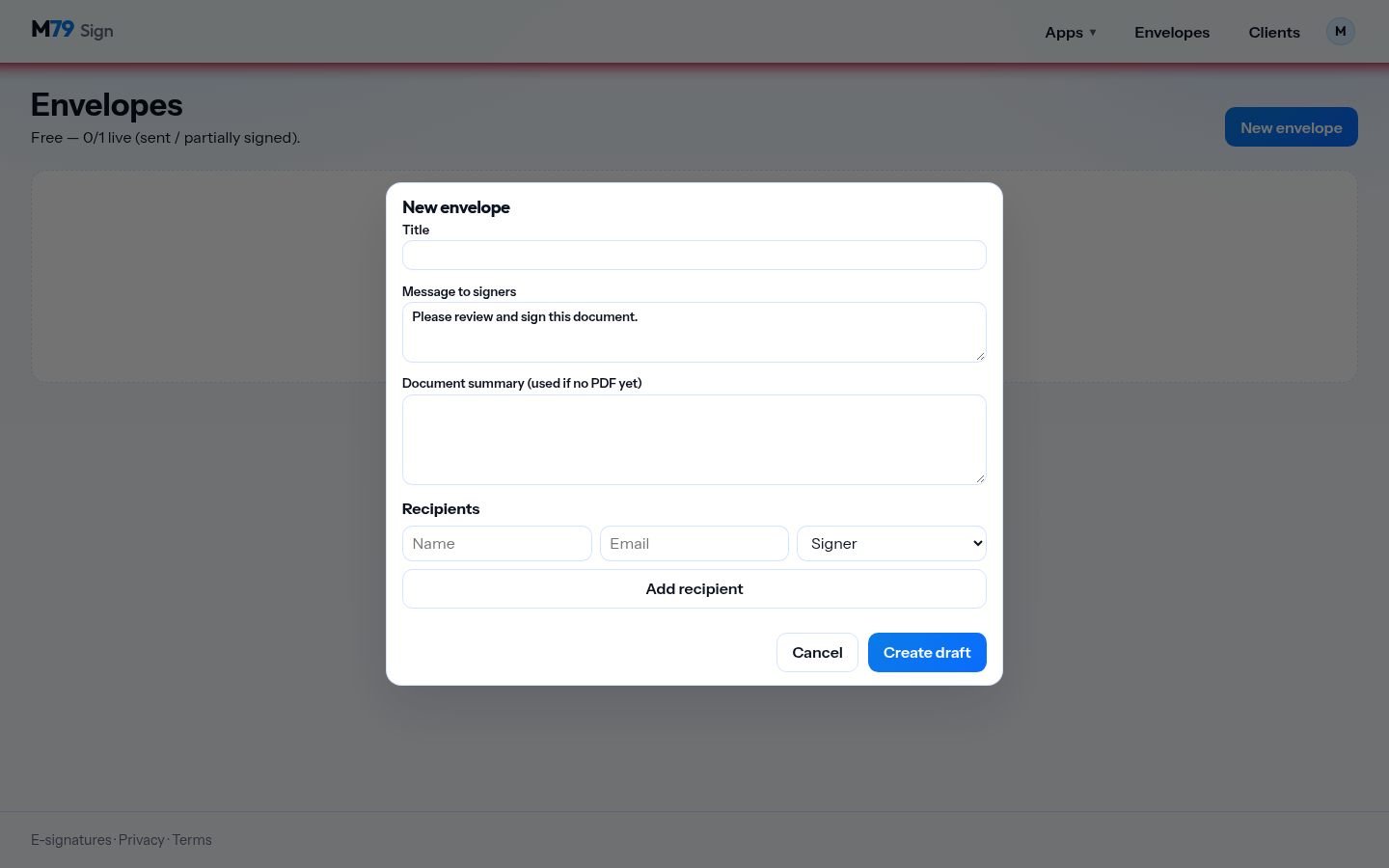
Send for signature in Sign (or mark accepted when the yes is already solid).
Signature or clear mark accepted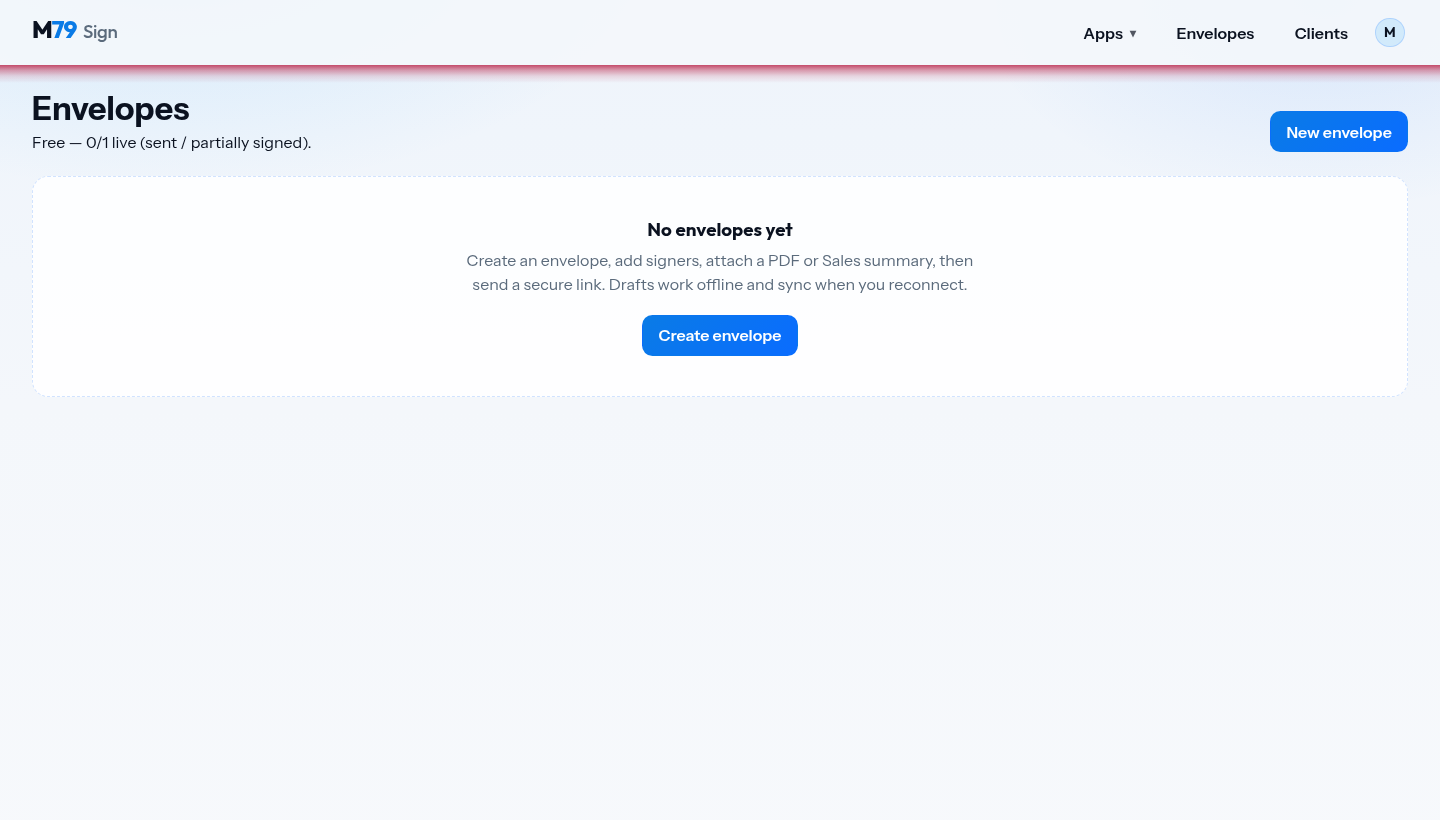
On signed accept, create the Orders job and set deposit, progress, and final milestones.
Job + deposits after yes
What you keep
- The quote line items the client saw
- A signature certificate you can reopen later
- A job card that inherits the same client, no retyping
FAQ
Is a drawn signature legally a QES?
No. You get strong evidence of consent and a certificate, not a qualified electronic signature product claim.
What happens after they sign?
Mark the quote accepted in Sales, then create an Orders job when you want deposits on the board.